
Start with what you want to make.
Choose a category below, then open an app’s official page for its features and downloads. For a first image-editing project, start with PhotoCraft. For a logo or illustration, explore VectorCraft. For website layouts, look at FigCraft.
Showing 13 of 13 apps · Official directory labels, October 23, 2026

PhotoCraft
Image editing
Early alpha
VectorCraft
Vector illustration
In development
FilmCraft
Video editing
In development
LightCraft
Photo library & RAW development
In development
PdfCraft
PDF tools & organization
Early alpha
EffectCraft
Motion graphics & VFX
In development
DesignCraft
Page layout & publishing
In development
FigCraft
Interface design & prototypes
Early alpha
WordCraft
Word processing
In development
SoundCraft
Audio recording & mixing
In development
DeckCraft
Presentations
In development
CADCraft
CAD & drafting
In development
GridCraft
Spreadsheets & data
In development
The official directory is the source for this lineup and its status labels. An available installer does not mean a finished app.
One launcher, or just one app.
| Platform | What to look for |
|---|---|
| macOS | The universal .dmg supports Apple silicon and Intel. Open it and drag the Launcher to Applications. |
| Windows | Choose the x64.msi for most Intel/AMD PCs, or the ARM64 installer for Windows on Arm. |
| Linux | Choose a package for your distribution and CPU, such as .deb, .rpm, or AppImage. Follow the release instructions. |
See the Launcher documentation for current requirements, formats, and update behavior. The release links above stay current as versions change.
Make your first website cover.
Try this small PhotoCraft project: turn a photo into a cover for a blog post or portfolio case study. Use a picture you own, add one short title, and keep an editable file alongside the exported image.
- 01
Open a working copy.
Launch PhotoCraft and use File → Open to open your image. Work on a duplicate so the original remains available.
- 02
Make one clear composition.
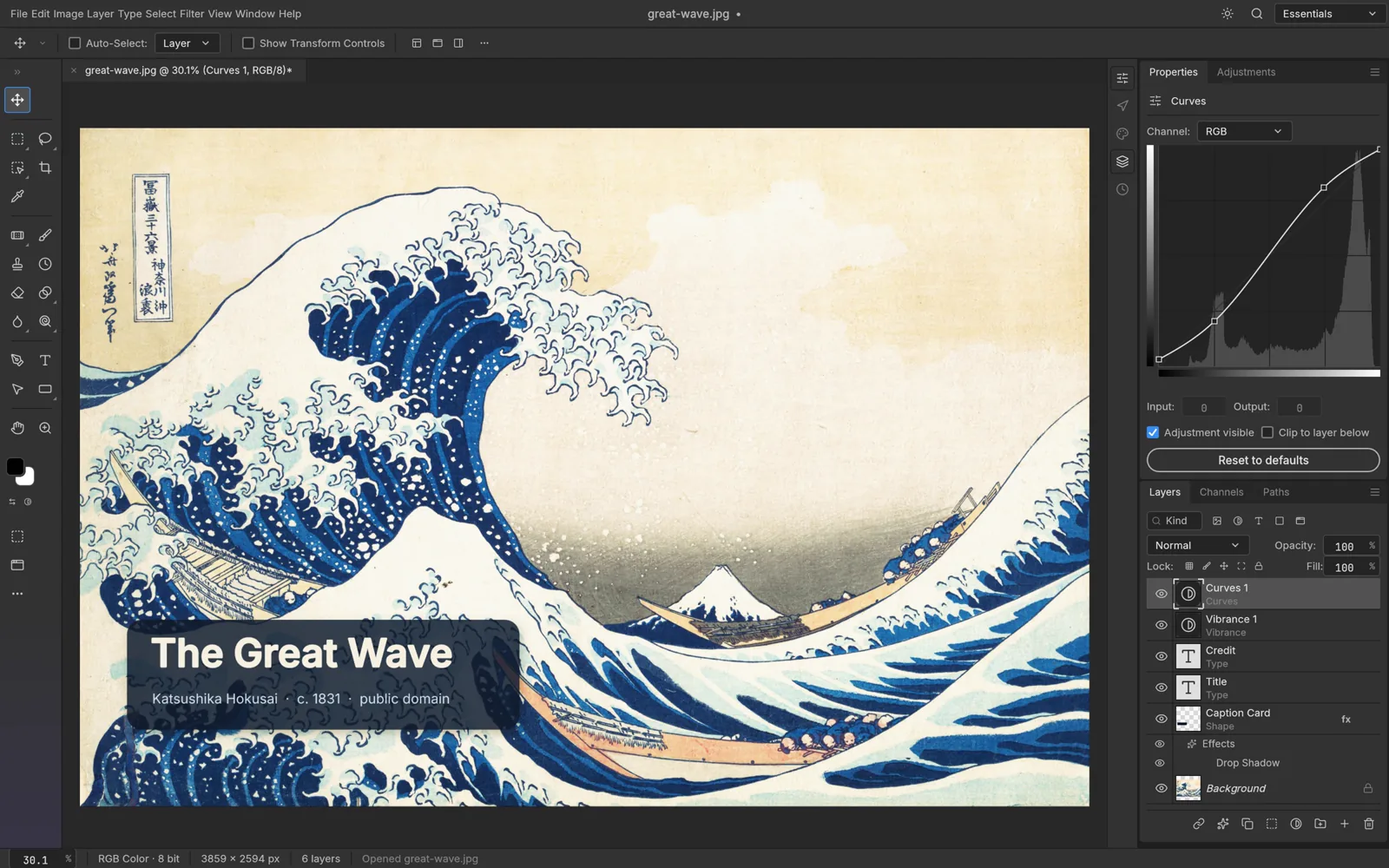
Crop around your subject. Add a short title as a separate type layer, and use an adjustment layer if the photo needs a brightness or color change. Keep the title away from the edges.
- 03
Keep the editable version.
Save the project in PhotoCraft’s
.pcraftformat, or save a layered PSD when you need to pass the file to another editor. Reopen it to check the layers and text before moving on. - 04
Export a copy for the web.
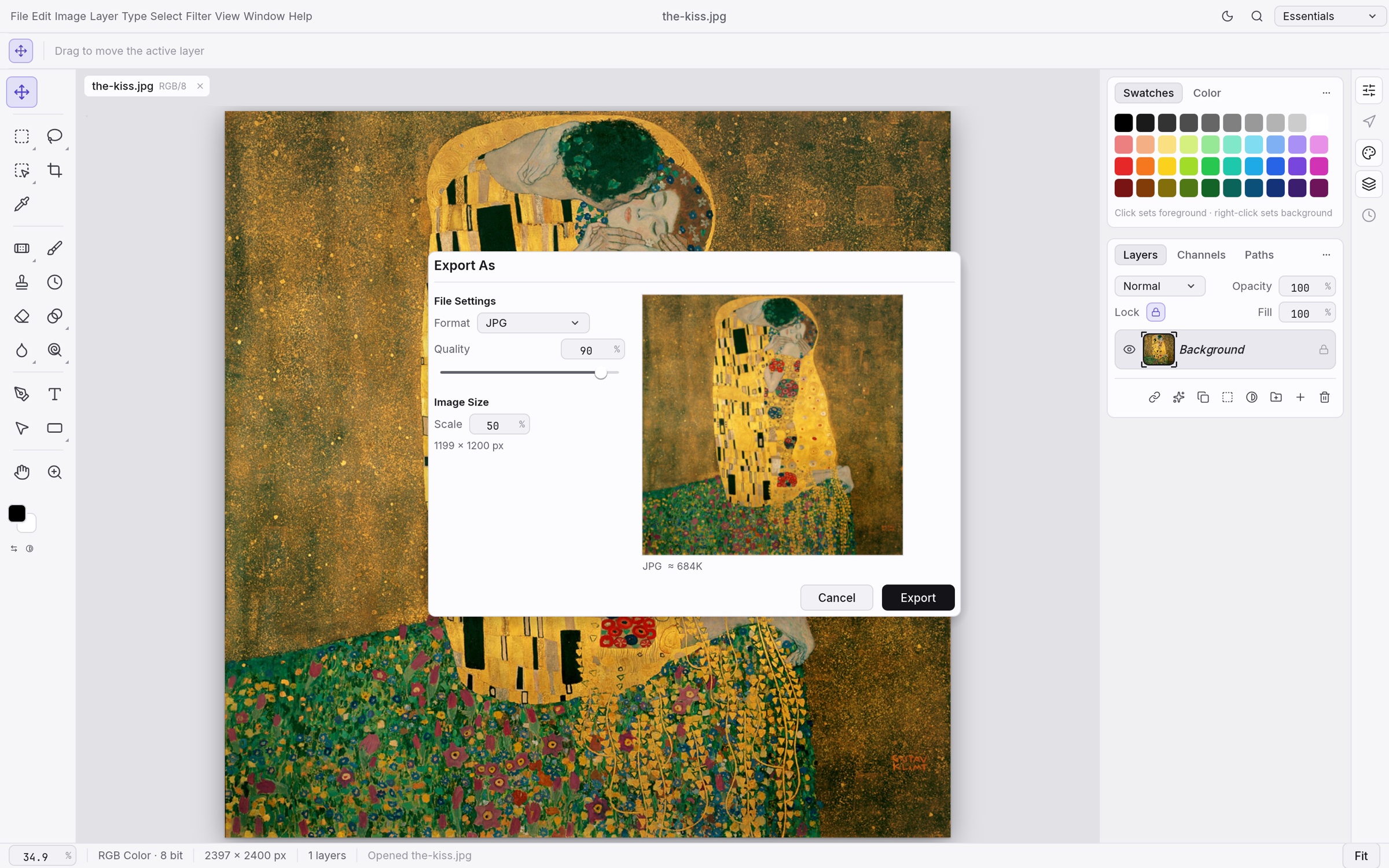
Use Export As to choose a format, quality, and scale, then inspect the preview and size estimate. Try JPEG for a photograph or PNG when you need transparency. Check the exported file in your browser.
A cover for your next case study.
One image. One short title. A wide crop that suits your website’s card. Upload the export through your site’s image picker, add useful alt text, and preview its crop on desktop and mobile. Keep the page’s real heading as text, even if the artwork includes a title.
PhotoCraft documents these editing and export features in its README. This is a suggested first project; the images show ArtCraft’s own demos.
Let the next task choose the next tool.
A logo, icon, or poster
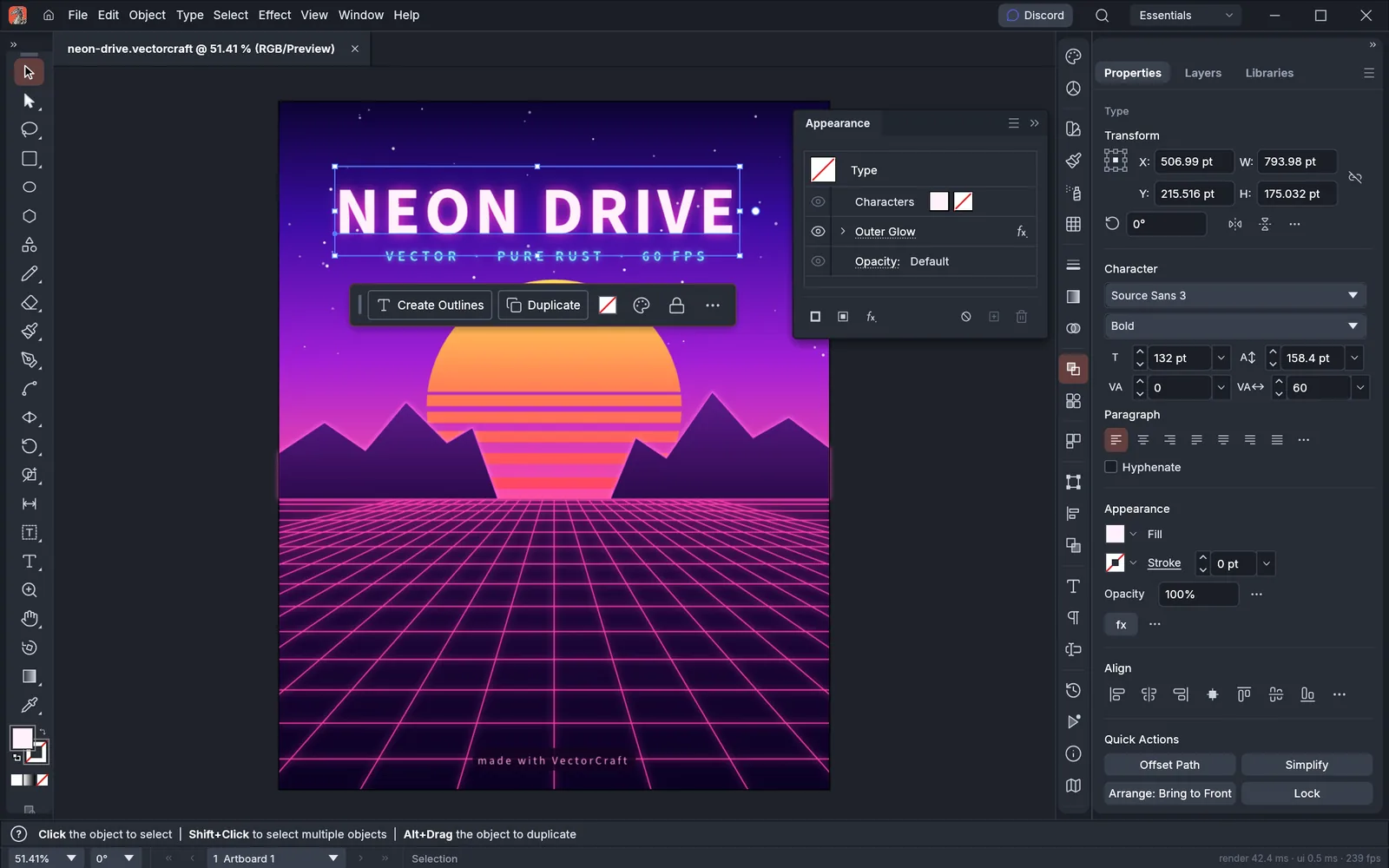
VectorCraft provides vector drawing, editable effects, and image tracing. Save the editable document, then export an SVG for scalable artwork or a PNG for a simple image placement.
Explore VectorCraft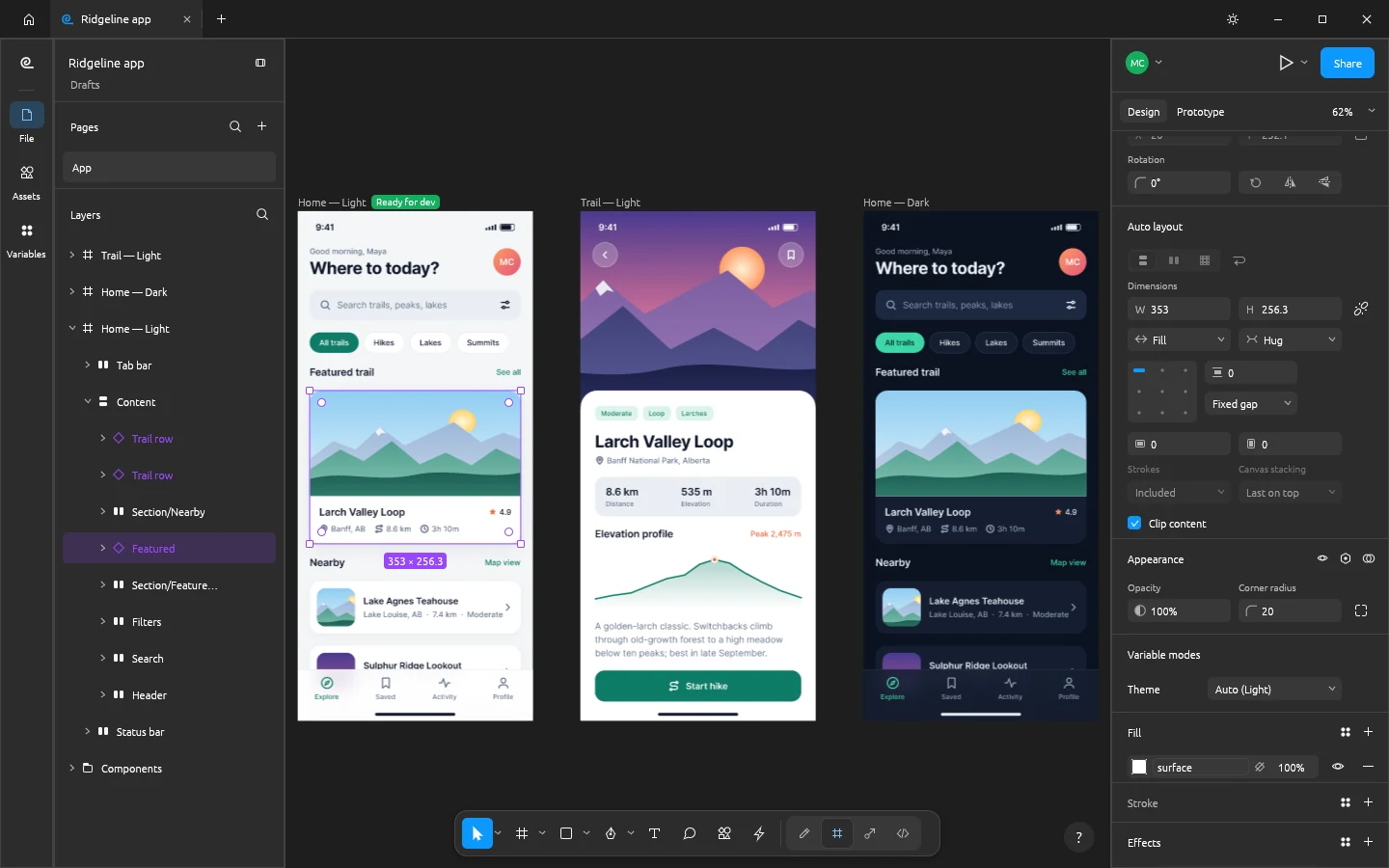
A layout before you build
FigCraft offers frames, auto layout, components, and prototypes. Start with one screen, build a reusable card, then try a second screen size. Existing .fig imports are best effort, so check your imported design.
FigCraft’s README explains its current import and alpha limitations. For a video project, FilmCraft is the family’s timeline editor; EffectCraft focuses on motion graphics and effects.